Shipped
Edit quotes, jobs, visits and invoices from your phone
 Platy teamPublished
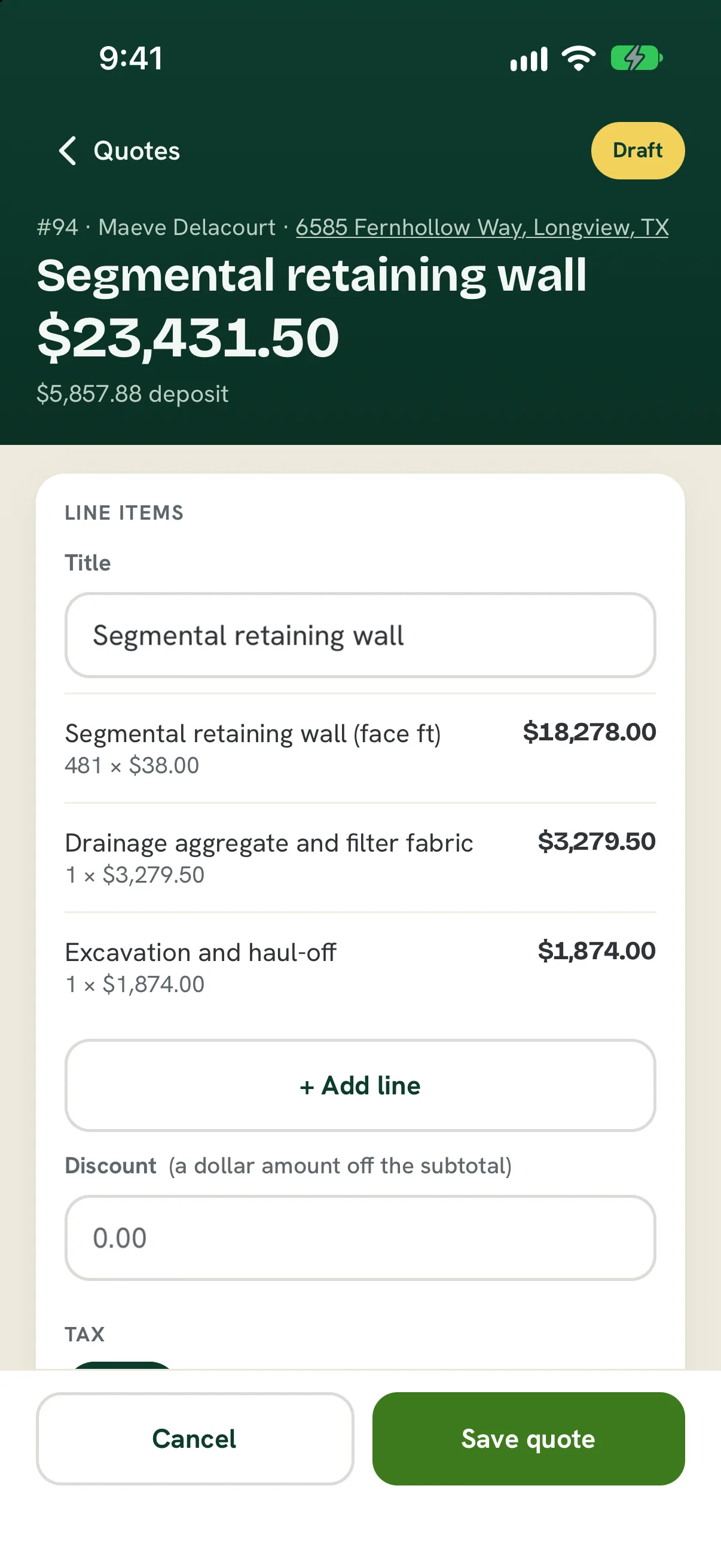
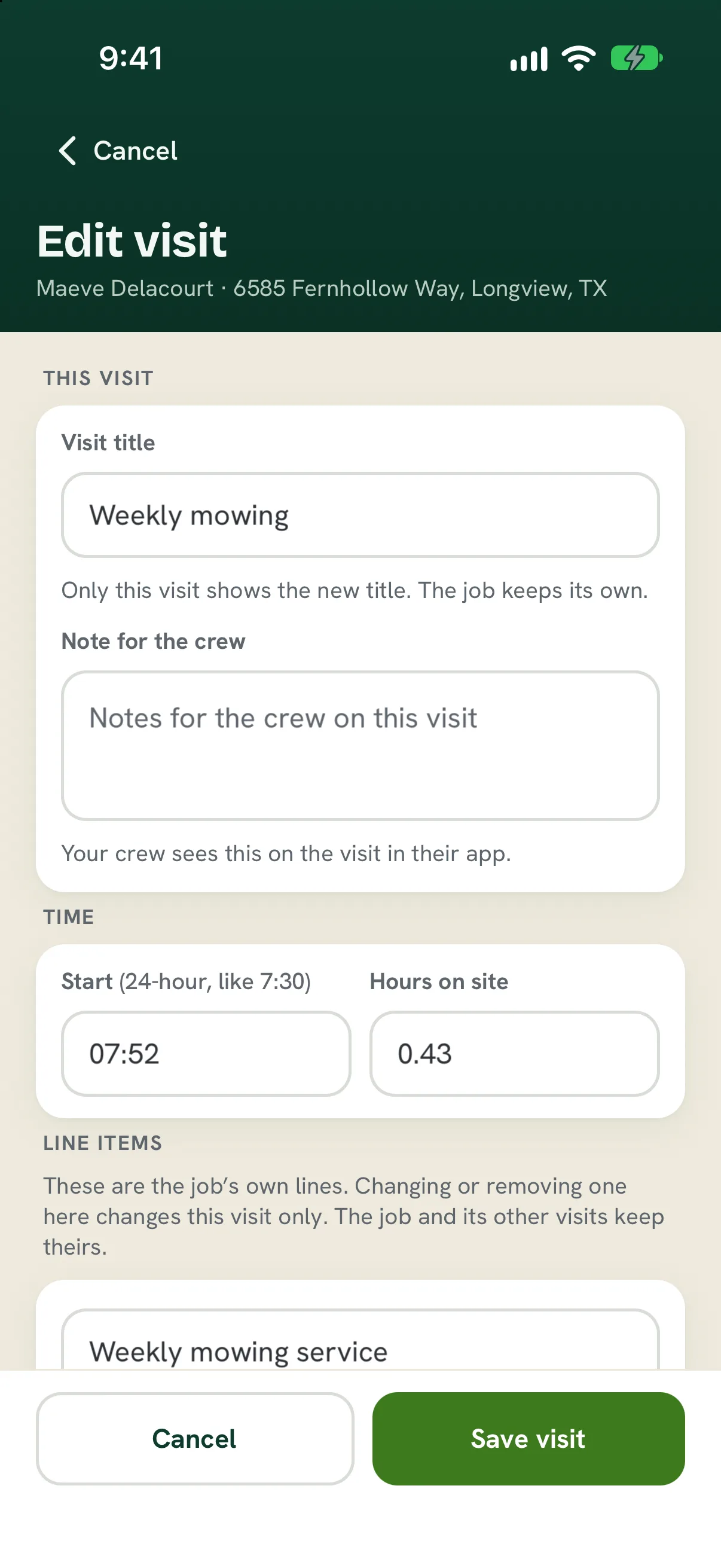
 The Platy phone app can now change quotes, jobs, visits and invoices the same way a computer does. Turn your phone sideways on Today to see every crew on one map and move stops between them.
 Open the picture full size
 Open the picture full size
What changed
- Edit a quote's lines, discount, tax and deposit, and approve it with an undo
- Edit a job's title, lines, schedule, address and crew instructions
- Edit a visit's title, crew note, start time and hours on site
- Edit a draft invoice's lines and payment terms, book a job or add a visit
- Turn your phone sideways on Today to see every crew on one map and move stops between them
WhereThe Platy phone app
Who it's forOwners
Anything to do?Update the Platy app from the App Store.
Common questions
Can I edit a quote from my phone?
Yes. Open the quote in the Platy app and tap Edit the quote. Change lines, discount, tax and deposit, then save.
Can I change a visit's time from my phone?
Yes. Open the visit and tap Edit this visit to change its title, crew note, start time and hours on site.
How do I plan the day on my phone?
Turn your phone sideways on Today. Every crew's stops show on one map, and you can tap a stop to move it to another crew.
Related
On Platy OS
 Try it yourself. 14 days free, then $297 a month.Start free trial