Improved
Plan each crew's route from your phone
 Platy teamPublished
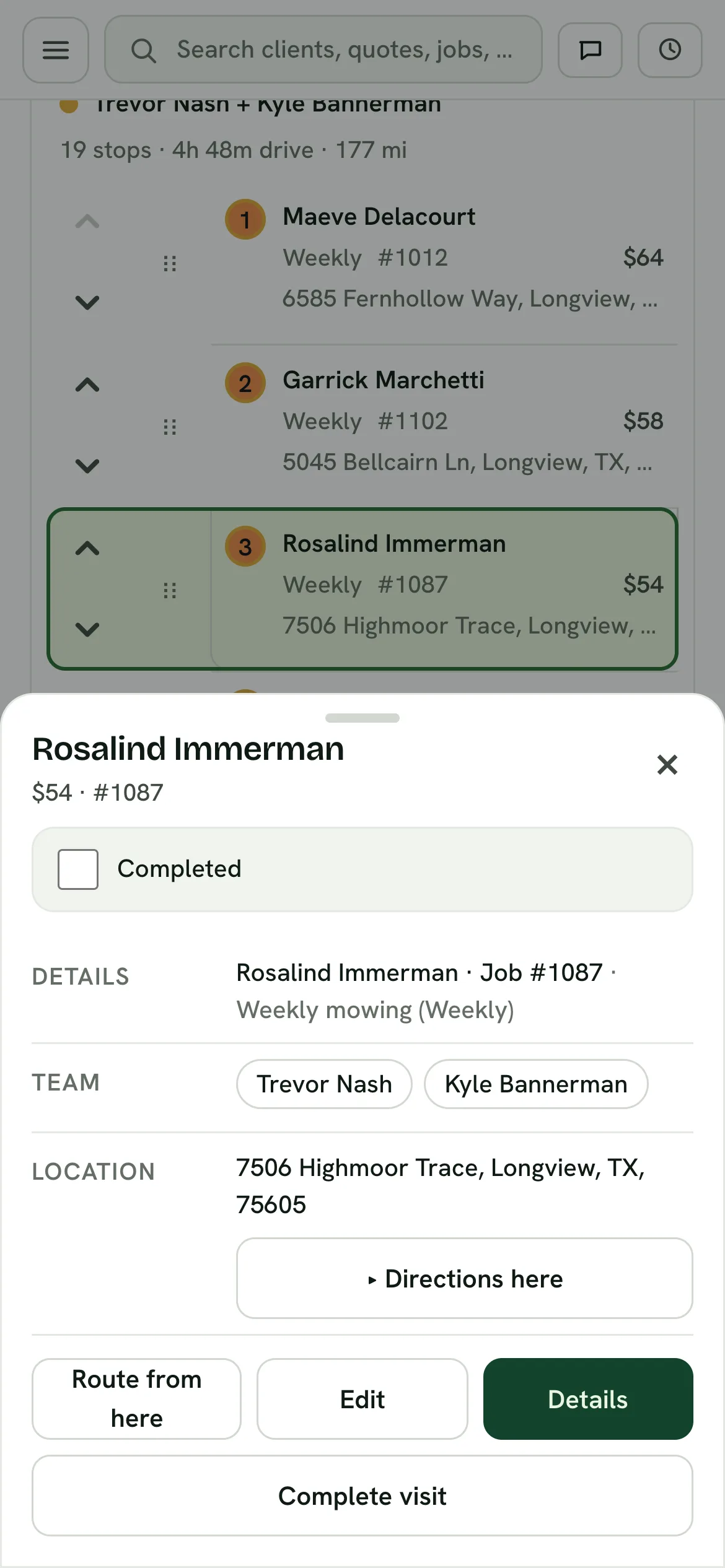
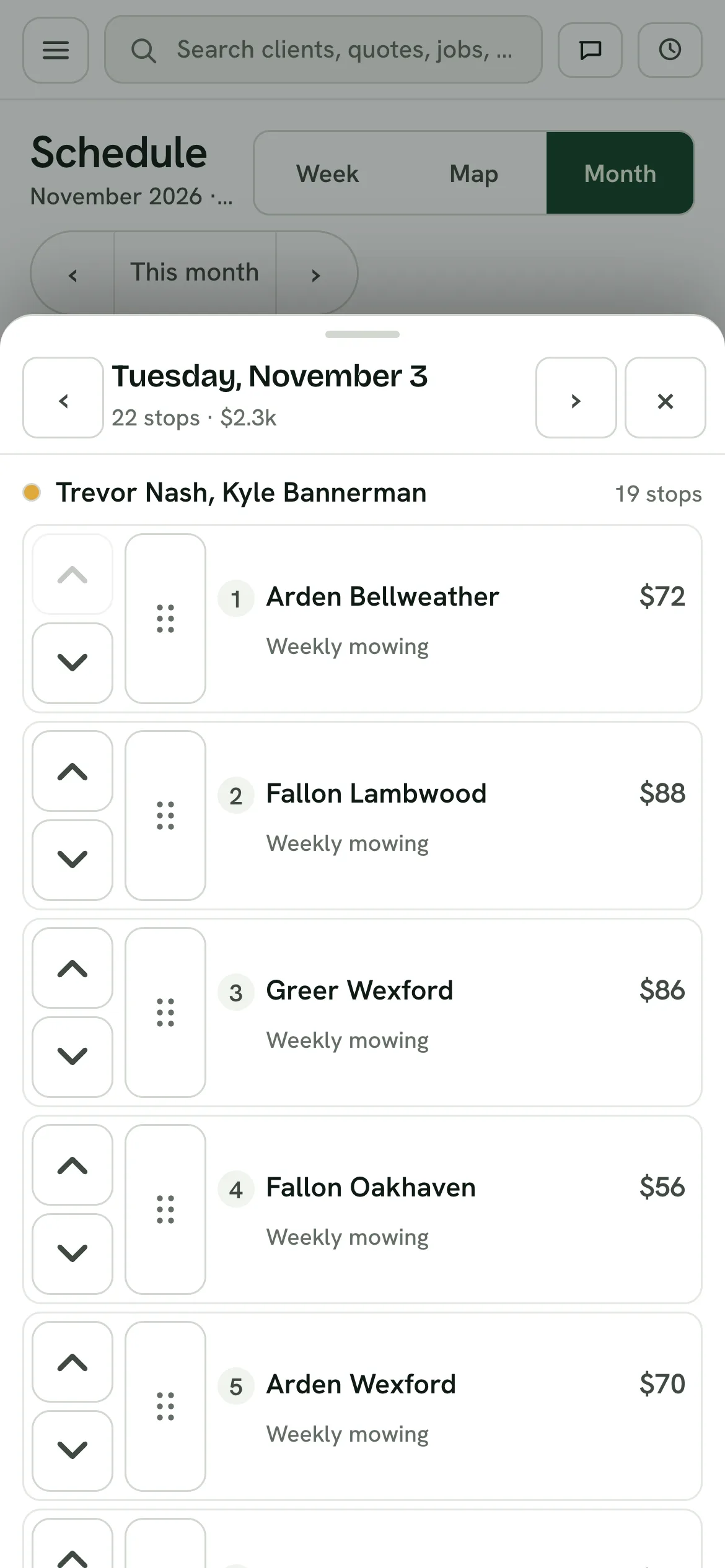
 Each crew now has its own route with stop numbers. Change the order of a crew's stops with the arrows or by dragging the dots, on the Map, Week and Month views, from your phone or your computer.
 Open the picture full size
 Open the picture full size
What changed
- Each crew gets its own route and stop numbers
- Move a stop with the up and down arrows, or drag it by the dots, on the Map, Week and Month views
- Moving one crew's stop never changes another crew's order
- On a phone, Week and Month show one day at a time, with bigger buttons
- Tap a stop on the Map to open its card, and Edit now changes the crew and start time
WhereSchedule › Map, Week and Month
Who it's forOwners
Anything to do?Nothing. It's live.
Common questions
Can I change a crew's route order from my phone?
Yes. Move a stop with the up and down arrows, or drag it by the dots, on the Map, Week and Month views, from your phone or your computer.
Does moving one crew's stop change another crew's route?
No. Each crew has its own route and stop numbers, and moving one crew's stop never changes another crew's order.
How do Week and Month work on a phone?
They show one day at a time, with bigger buttons.
How do I change a stop's crew or start time?
Tap a stop on the Map to open its card, then tap Edit. Edit now changes the crew and start time.
Related
On Platy OS
Lawn Care Scheduling and Routing SoftwareBook the visit, assign the crew, and the day orders itself into a loop the truck can drive.Lawn Care Crew AppThe day on a phone, one stop at a time, and the crew’s hours on the same app.
More updates
 Try it yourself. 14 days free, then $297 a month.Start free trial