The phone app: Needs you, crew hours and multi-day jobs
 Platy teamPublished
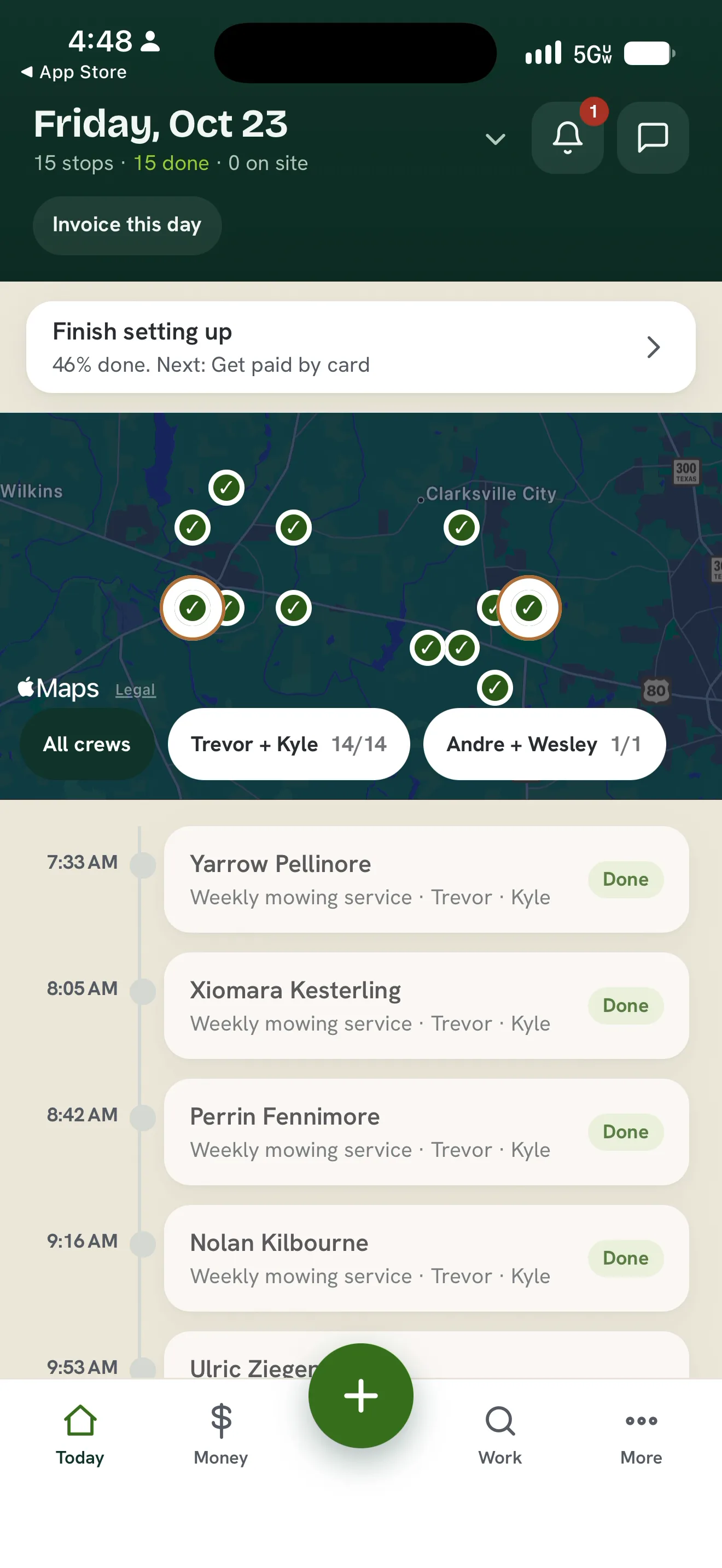
 The Platy phone app now puts everything waiting on the owner behind a bell on Today, and lets owners fix and approve a crew member's hours from the phone. Jobs that run more than one day show on every day, crews are asked to clock in and out on time, and you can text any number from the app.
 Open the picture full size
 Open the picture full size
 Open the picture full size
 Open the picture full size
What changed
- A bell on Today opens Needs you, where you fix a crew member's hours and approve the day
- Crew are asked to clock in before their first stop and to clock out after their last, and can ask you to fix their hours. A clock left running stops at 24 hours and is flagged for you
- A job that runs more than one day shows on every day it runs
- Text any number from the phone app, then tap + Create client to save them
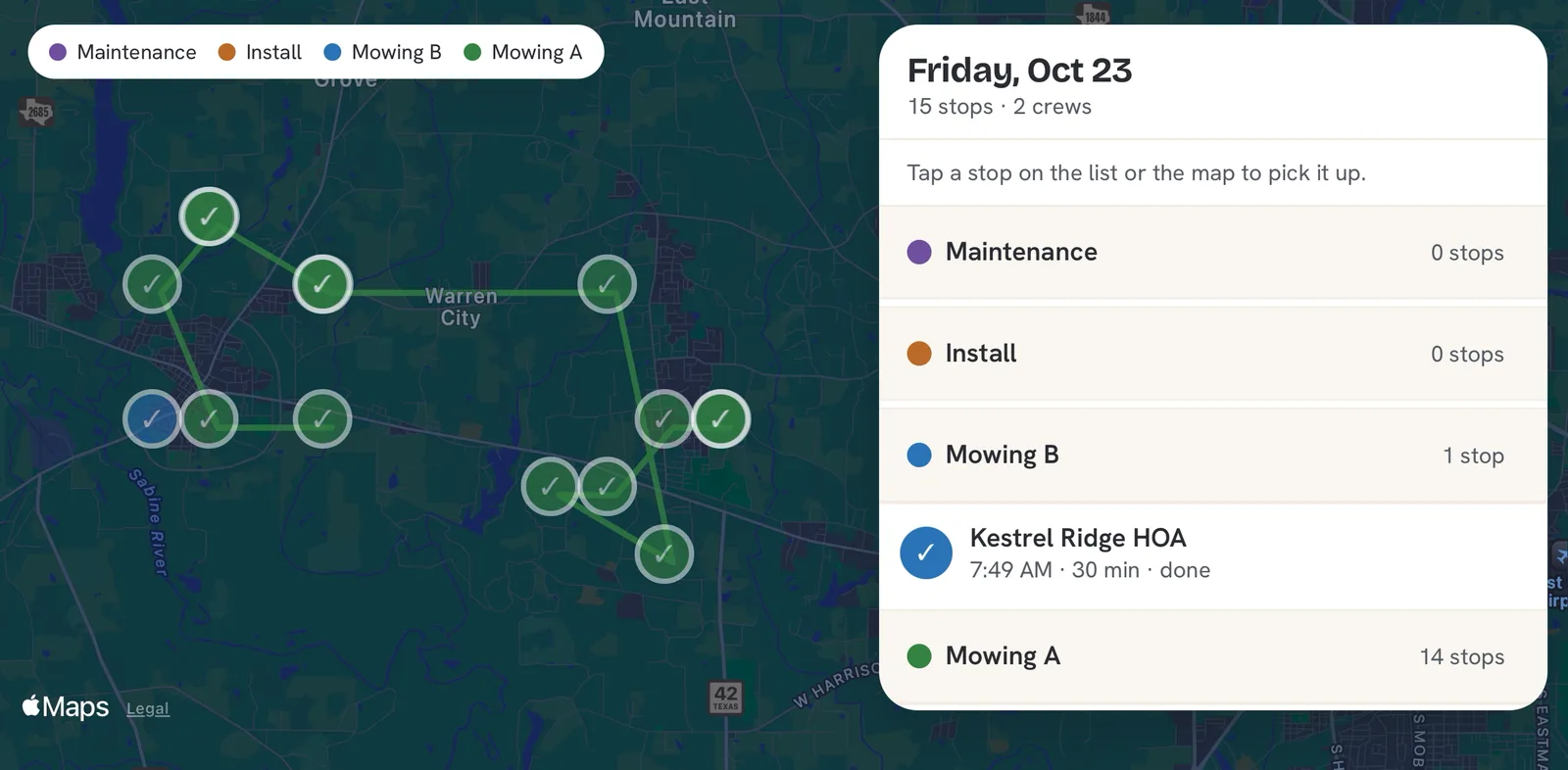
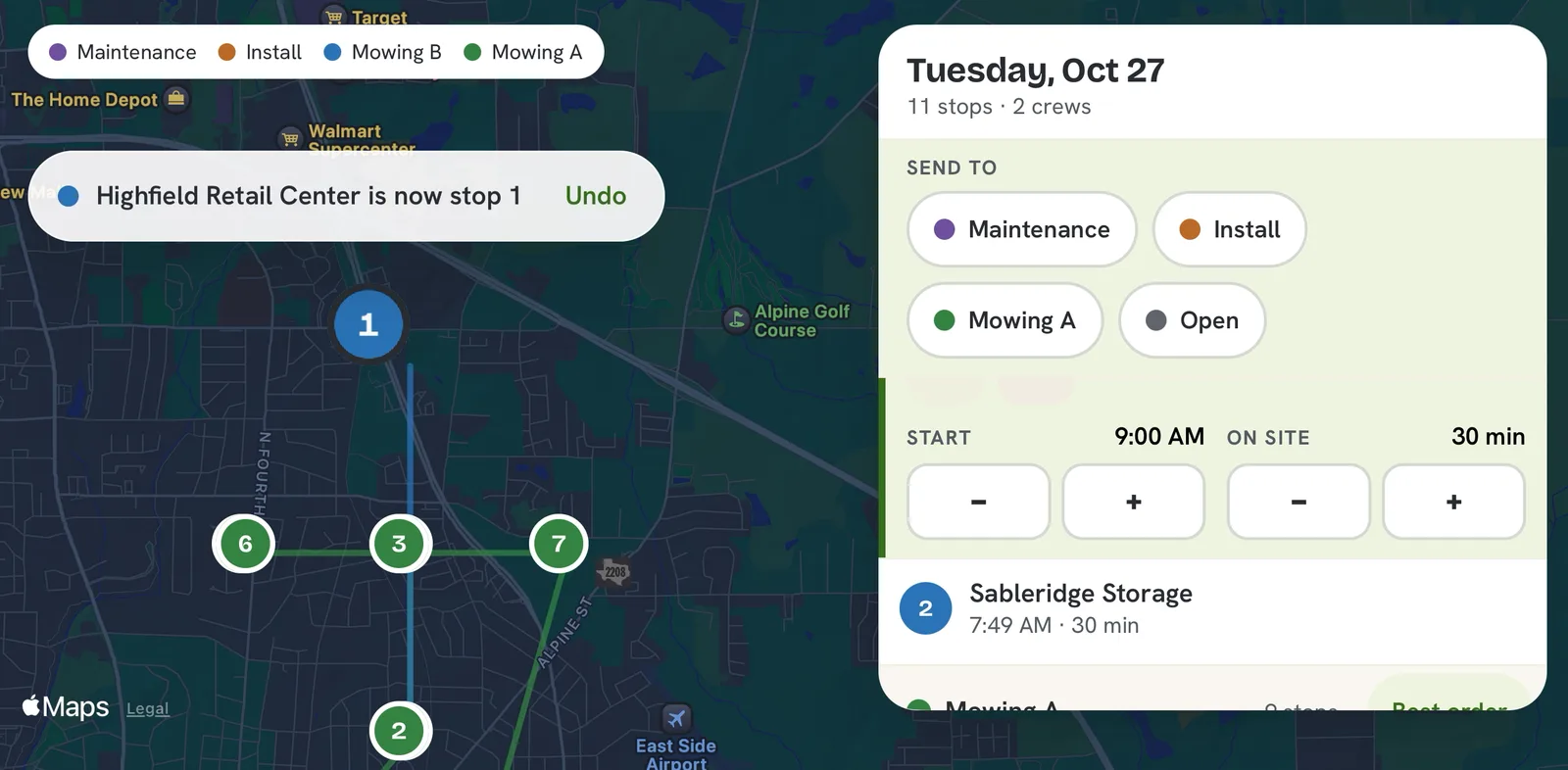
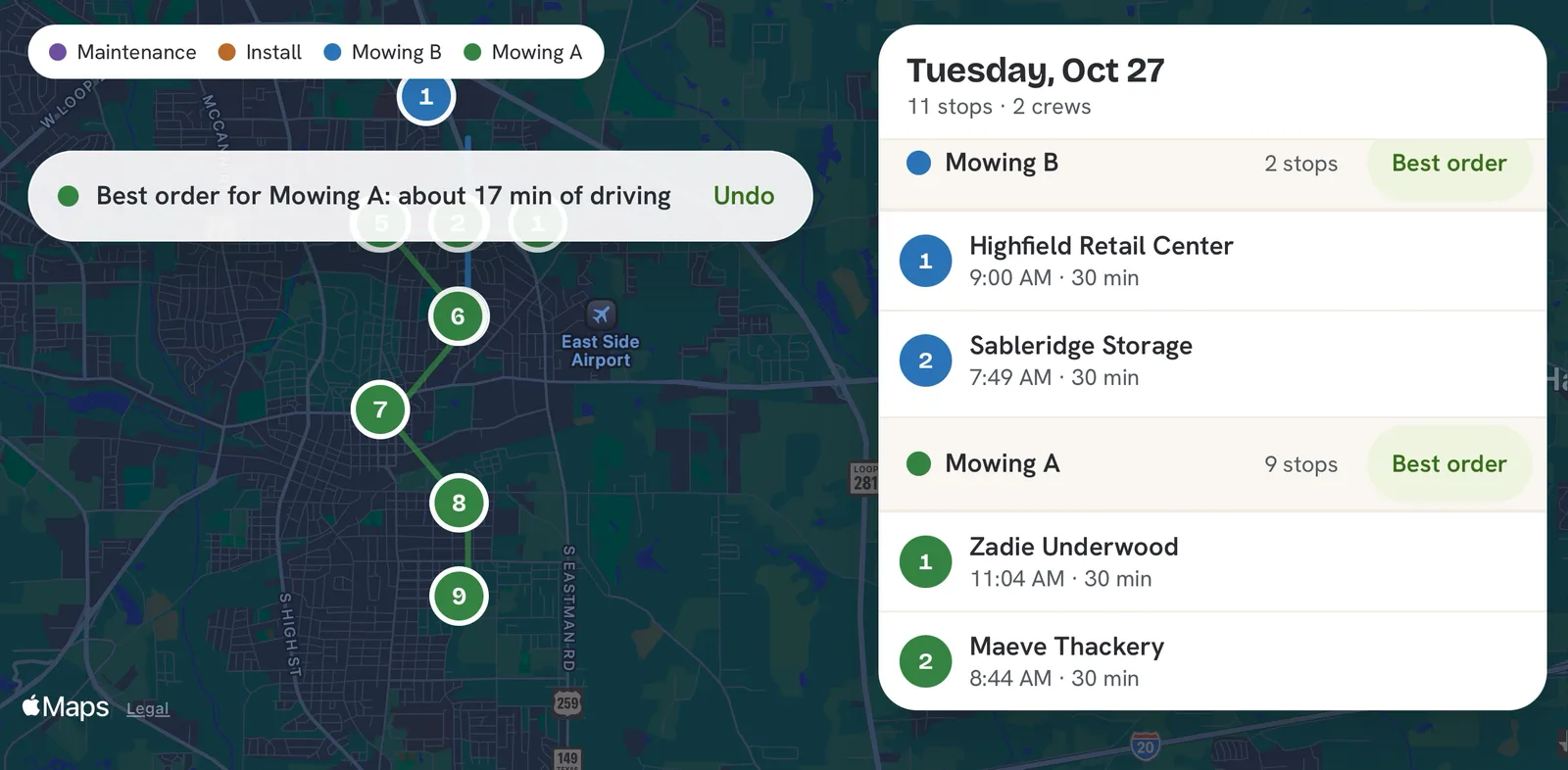
- Turn your phone sideways to plan every crew's day and tap Best order for the shortest drive
Common questions
Can I approve my crew's hours from my phone?
Yes. Tap the bell on Today to open Needs you, then tap Fix hours on the crew member's day. Change the clock-in or clock-out if you need to, then tap Approve.
What happens if a crew member forgets to clock out?
Platy reminds them an hour after their last stop and again at 12 hours. If the clock is still running at 24 hours it stops on its own, the day is marked Forgot to clock out and left unapproved, and you get an alert to fix the hours.
Does a job that runs several days show on each day?
Yes. A job that runs more than one day shows on every day it runs, on your phone and on the computer.
Do I need to update the Platy app?
No. The app picks up these changes the next time you open it.
Related
On Platy OS
More updates
 Try it yourself. 14 days free, then $297 a month.Start free trial