Shipped
Text any number, then save them as a client
 Platy teamPublished
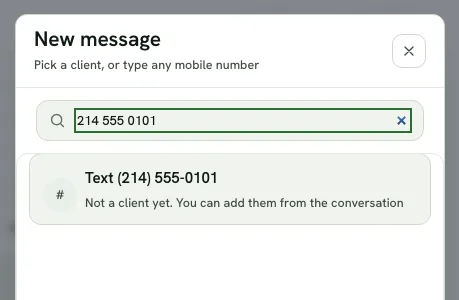
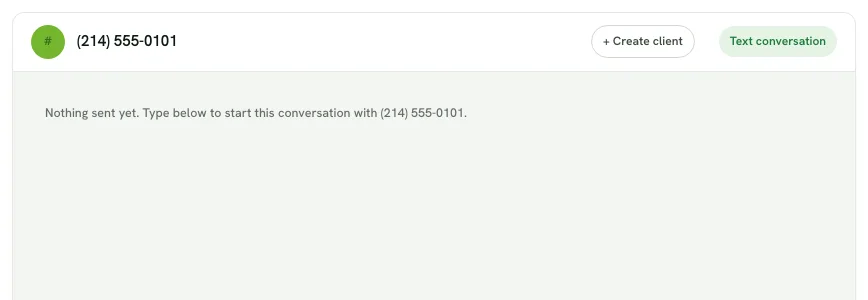
 Owners can now text any mobile number from Messages, even someone who is not a client yet. One click on + Create client then saves them as a client, with their number filled in and the conversation filed under them.
 Open the picture full size
 Open the picture full size
What changed
- In Messages, click New message and type any mobile number to start a text
- A number that belongs to a client opens that client instead
- A conversation with someone who is not a client yet shows + Create client
- The client form opens with their number filled in, and the conversation moves under them
- Coming to the phone app with the next update
WhereMessages › New message
Who it's forOwners
Anything to do?Nothing on a computer. In the phone app it comes with the next update.
Common questions
Can I text someone who is not a client yet?
Yes. In Messages, click New message, type their mobile number and pick the Text row. The conversation opens right away.
How do I save someone who texted me as a client?
Open their conversation and click + Create client. The client form opens with their number filled in, and once you save, the conversation is filed under them.
What if the number already belongs to a client?
Platy shows that client instead, so you never end up with a second copy of them.
Related
On Platy OS
More updates
 Try it yourself. 14 days free, then $297 a month.Start free trial